
Apple Watch
Works on: iPhone
Record a note straight from your wrist. If Letterly is installed on your iPhone, it appears on your Apple Watch automatically.
Letterly on Apple Watch is available on Pro.
Learn more about plans →Record with Letterly on Apple Watch
- Open Letterly on your Apple Watch.
- Tap to start recording.
- Tap stop when you are done.
- Wait for the Synced status.
Make sure the note shows Synced before you close the app. Otherwise it may not appear on your iPhone or Mac.
Apple Watch is for quick recording only. You cannot view the transcript there — open Letterly on your phone or computer to review, rewrite, or work with your notes.
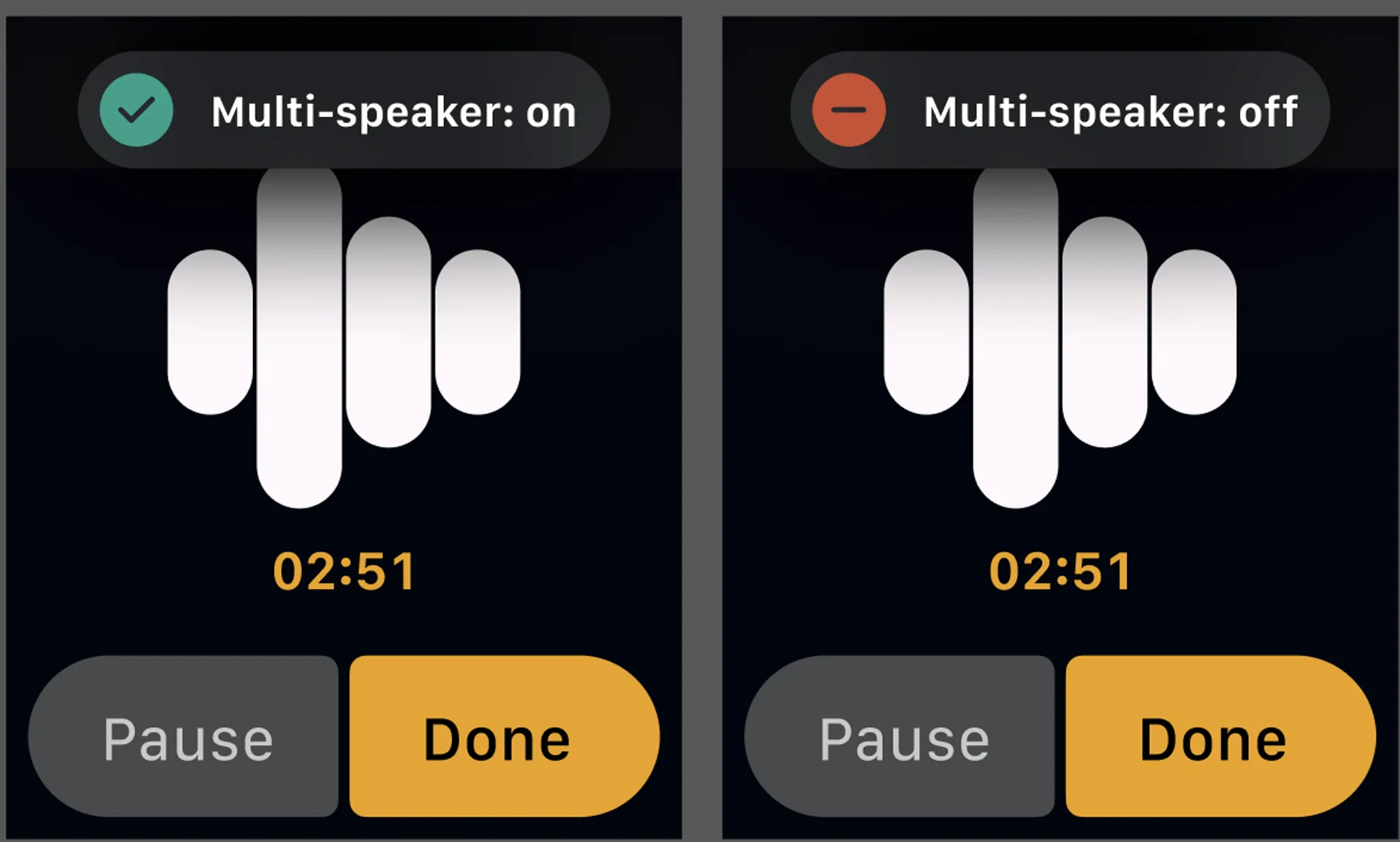
Multi-speaker mode on Apple Watch
You can switch between multi-speaker and single-speaker recording before or during a recording.
- Open Letterly on your Apple Watch.
- On the recording screen, tap the speaker mode button.
- Choose multi-speaker on if more than one person is speaking, or off if only you are.
Add Letterly to a watch face
- Open the Apple Watch app on your iPhone.
- Tap My Watch.
- Select a watch face from My Faces — Modular, Modular Compact, Activity Digital, Nike Compact, or Nike Digital.
- Tap one of the complication areas.
- Choose Letterly if it is available for that slot.